What Does It Mean to Have Fibre Optic Internet in Your Area?
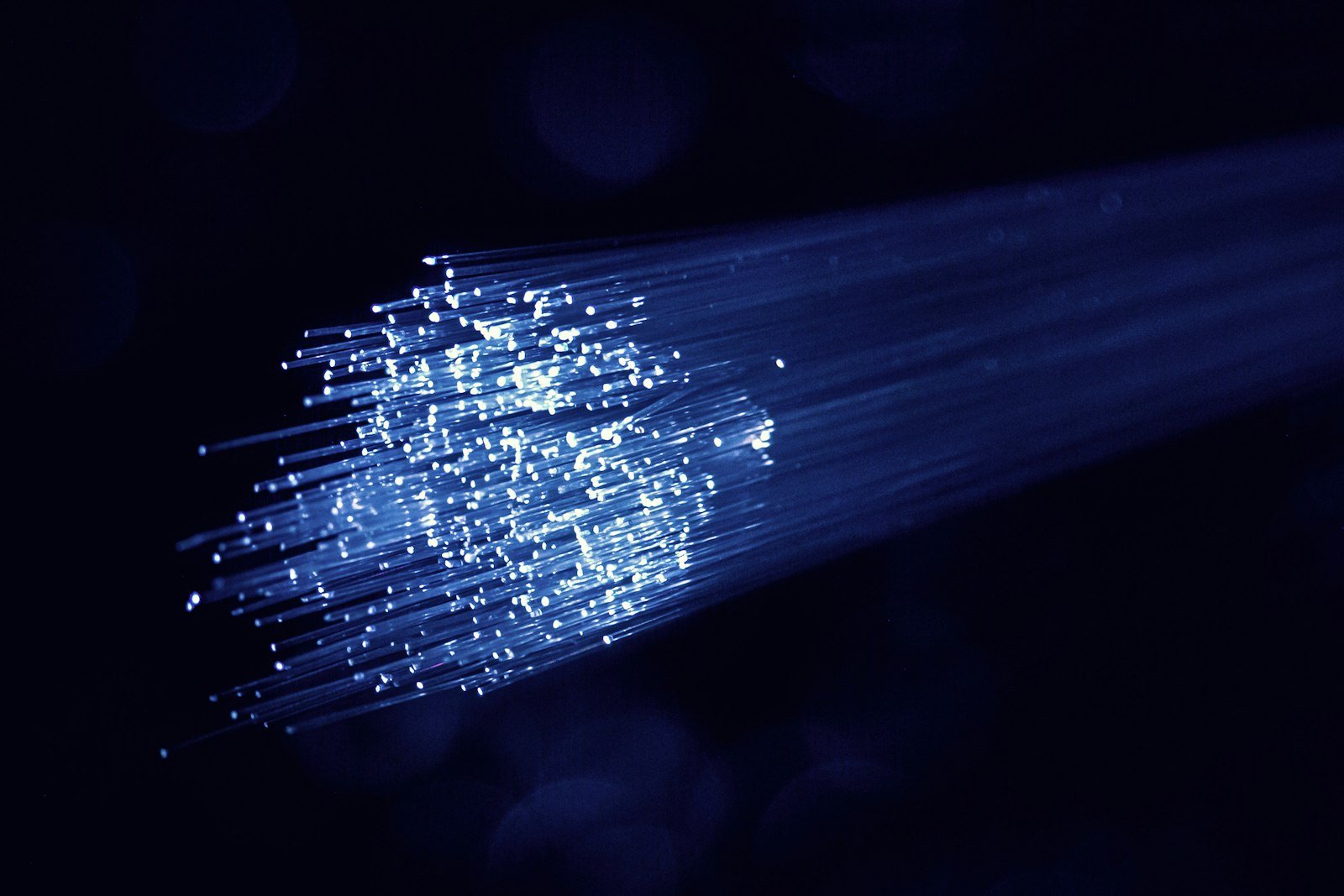
Fibre optic technology is a modern data transmission technology that uses light signals transmitted through specialised cables. It can provide very high internet speeds, greater capacity and a reliable connection, depending on the infrastructure and the available plan.
However, the fact that an area has a fibre optic network does not necessarily mean that every home or business premises can be connected immediately.
There is an important difference between coverage across a wider area and the actual ability to activate a connection at a specific address.
For example, a fibre optic network may have been installed on your street, but the connection to your building or apartment may not yet be complete.
FTTH, FTTB and FTTC: What Are the Differences?
Not all connections advertised as Fiber use the same technology. It is important to understand exactly what your provider offers.
FTTH (Fiber to the Home)
The fibre optic cable reaches the interior of your home or business premises. This is the solution that generally offers the greatest potential for speed and future upgrades.
FTTB (Fiber to the Building)
The fibre optic cable reaches the building, but the internal distribution to individual apartments may use a different technology, depending on the installation.
FTTC (Fiber to the Cabinet)
The fibre optic cable reaches a street cabinet in your area, while the remaining part of the connection to your property usually uses copper cable.
Therefore, when looking for a genuine fibre optic connection, it is useful to ask whether the service is FTTH rather than simply a connection that uses fibre for part of the network.
How Can You Check Whether Fibre Is Available at Your Address?
There are several ways to check fibre optic availability.
1. Check the Providers' Websites
Most telecommunications providers offer online availability checkers.
You will usually need to enter:
- Your postcode.
- Your area and street name.
- Your building number.
- In some cases, additional information about the property.
The system will display the available technologies and the plans you may be able to activate.
You can start with the companies' official websites:
- COSMOTE – https://www.cosmote.gr/
- Nova – https://nova.gr/
- Vodafone – https://www.vodafone.gr/
Availability may vary between providers, even at the same address.
2. Check the Broadband Map
You can also use the official Broadband Map provided by the Greek Ministry of Digital Governance.
The map provides information about broadband coverage and available infrastructure in different areas of Greece.
You can access the service here:
The map is a useful tool for getting an initial overview of coverage, but it does not replace final availability confirmation from the provider.
3. Contact the Provider
If the online availability checker displays unclear results, you can contact the company directly.
Ask them to check your exact address and clarify:
- Whether an active FTTH network is available.
- Whether your specific building can be connected.
- Whether additional installation work is required.
- Which speeds are available.
- The estimated activation timeframe.
What Does Actual Fibre Availability Mean?
Actual availability is not simply a matter of having fibre optic cables near your property.
Certain technical requirements must be met before you can activate an FTTH connection.
A network must be available in the area.
The provider must have infrastructure serving the specific area and address.
The building must be connectable.
The infrastructure must be able to reach the building, and suitable installation options must be available.
A network port must be available.
In some cases, even when infrastructure has been installed, sufficient network capacity or an available port may be required to activate a new connection.
The internal installation must be possible.
The fibre optic cable must be routed to the equipment installation point inside the property, subject to the building's technical limitations.
Therefore, a "Fiber available" indication on a map or website is an important sign, but it does not always mean that the connection can be activated immediately.
What Happens If There Is Fibre on Your Street but Not in Your Building?
This is a situation you may encounter quite frequently, particularly in areas where network deployment is taking place gradually.
If fibre is available on your street but the connection to your building has not yet been completed, additional work may be necessary.
Depending on the circumstances, this may involve:
- Connecting the building to the external network.
- Installing a fibre optic distribution point.
- Carrying out work in shared areas.
- Routing cables to the apartment.
- Arranging access with the building management or property owner.
If you live in an apartment building, it is useful to find out whether fibre optic installation work has already been carried out in the shared areas.
How Is FTTH Installed?
An FTTH connection usually involves several basic stages.
1. Availability Check
The provider checks whether the specific address can be served by its network.
2. Installation Scheduling
If a connection is possible, a technician's visit is scheduled.
3. Fibre Optic Cable Installation
The cable is routed from the distribution point to the inside of the property.
4. Equipment Installation
The appropriate fibre optic termination equipment, known as an ONT, is installed if required and connected to the router.
5. Activation and Testing
The technician or provider carries out the necessary checks to confirm that the connection is working properly.
The duration and complexity of the installation depend on the condition of the infrastructure and the specific characteristics of the building.
Which Fibre Speed Can You Choose?
Depending on the area and provider, plans may be available at different speeds, such as:
- 100 Mbps.
- 200 Mbps.
- 300 Mbps.
- 500 Mbps.
- 1 Gbps.
- Higher speeds, where supported.
Your choice should be based on your actual needs.
For basic browsing and streaming, a lower-speed connection may be sufficient. For multiple devices used simultaneously, remote working, large file transfers and demanding digital applications, a faster plan may be worthwhile.
Do not overlook upload speed either. It is important for video calls, sending large files, creating backups and professional use.
What Should You Check Before Signing a Fibre Contract?
Before choosing a fibre optic plan, look beyond the advertised speed and examine the overall terms of the service.
In particular:
- Confirm that the service is FTTH.
- Check the available download and upload speeds.
- Ask whether there are installation or activation charges.
- Find out which router and equipment are provided.
- Check the contract duration and early termination terms.
- Clarify whether the advertised price is a limited-time offer.
- Check for any additional charges.
- Ask about the expected activation time.
- Review the technical support process in case of a fault.
A low introductory price does not necessarily mean that a plan will be cheaper in the long run.
What Can You Do If Fibre Is Not Yet Available in Your Area?
If your address is not yet covered by FTTH, there are alternative solutions.
You can consider:
- A VDSL connection, if available.
- 4G or 5G home internet.
- Other available fixed broadband technologies.
- Alternative providers using different infrastructure.
You can also monitor network expansion in your area and repeat the availability check at a later date.
Network deployment takes place gradually, and availability can change over time.
Frequently Asked Questions About Fibre Availability
How can I find out whether Fibre is available at my home?
You can use the providers' online availability checkers, the Broadband Map or contact the company directly to check your exact address.
If there is fibre on my street, can I connect immediately?
Not necessarily. You must first confirm that the building can be connected and that installation can be completed all the way to your property.
Do I have to pay for fibre optic installation?
It depends on the provider, the plan and the terms of the offer. Before signing, ask whether any installation or activation charges apply.
Do I need to change my router when installing Fibre?
Compatible equipment is usually required for an FTTH connection. Depending on the service, the provider may supply a router and the necessary fibre optic termination equipment.
Can I get Fibre if I live in an apartment building?
Yes, provided that the building can technically be connected and installation can be completed in your apartment. The condition of the internal infrastructure may affect the process.
Are all providers available in every area with Fibre?
No. Availability depends on the infrastructure used by each provider, commercial agreements and the technical ability to serve the specific address.
Conclusion
Fibre optic technology can significantly improve the quality and speed of your internet connection. However, actual availability must always be checked at the specific address, rather than being based solely on coverage across a wider area.
Before choosing a plan, confirm that the service is FTTH, examine the available speeds, ask about installation requirements and compare the providers' overall terms.
How Can Globy+ Help?
Globy+ can help you explore available fixed-line internet options, compare plans and identify solutions that meet the needs of your home or business.
The aim is to help you choose the right service by taking into account both actual availability and the overall cost.
This article is general information, not personal advice. Terms and cover depend on the provider and your contract. Your advisor checks what applies to you.
Want an advisor to check this for you?
A few short questions, and we'll get back to you shortly.